Tidy Up Your Photo Albums
Albumini finds the empty and duplicate albums that years of imports and migrations left in Photos — and your photos are never touched.
See It in Action
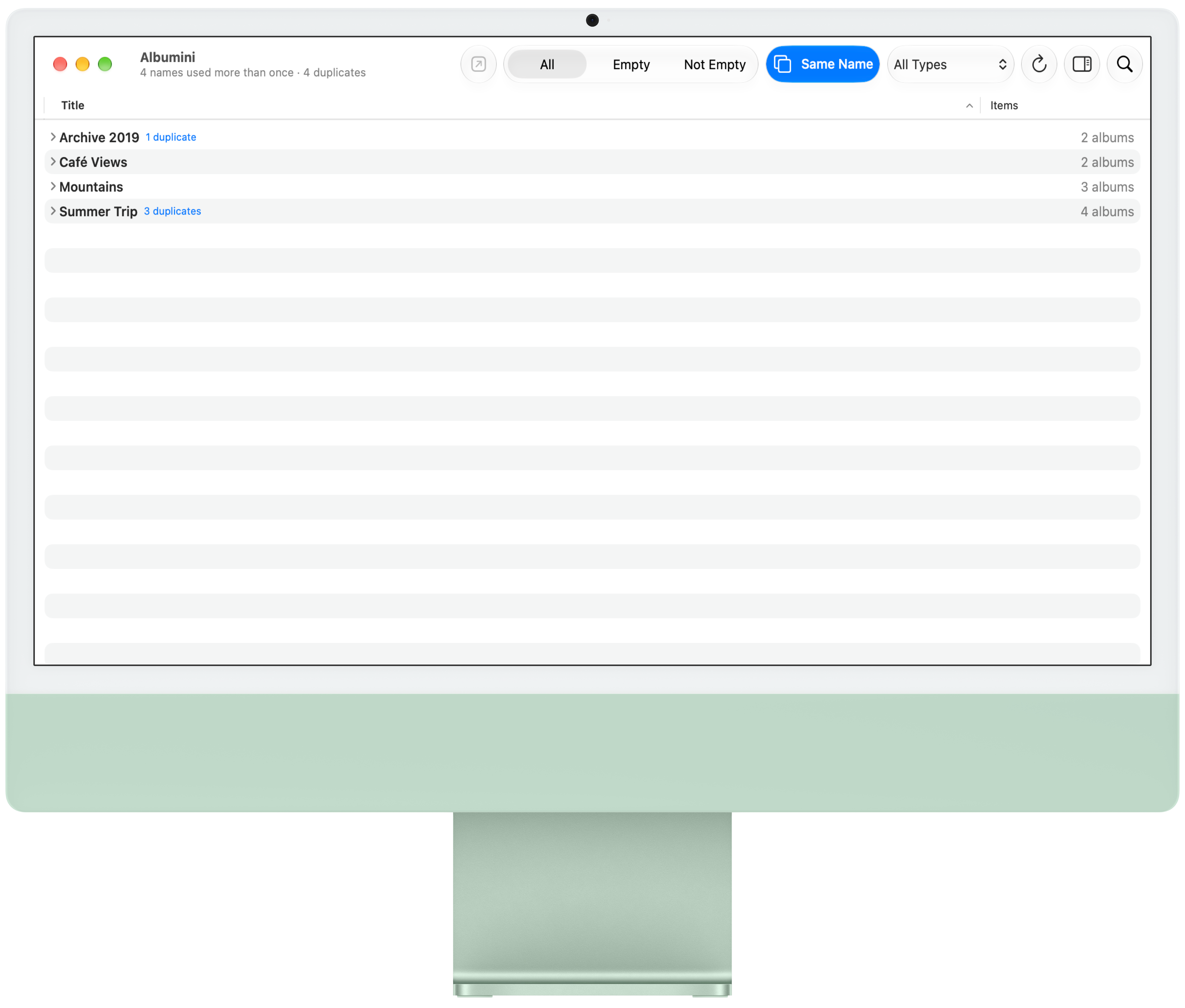
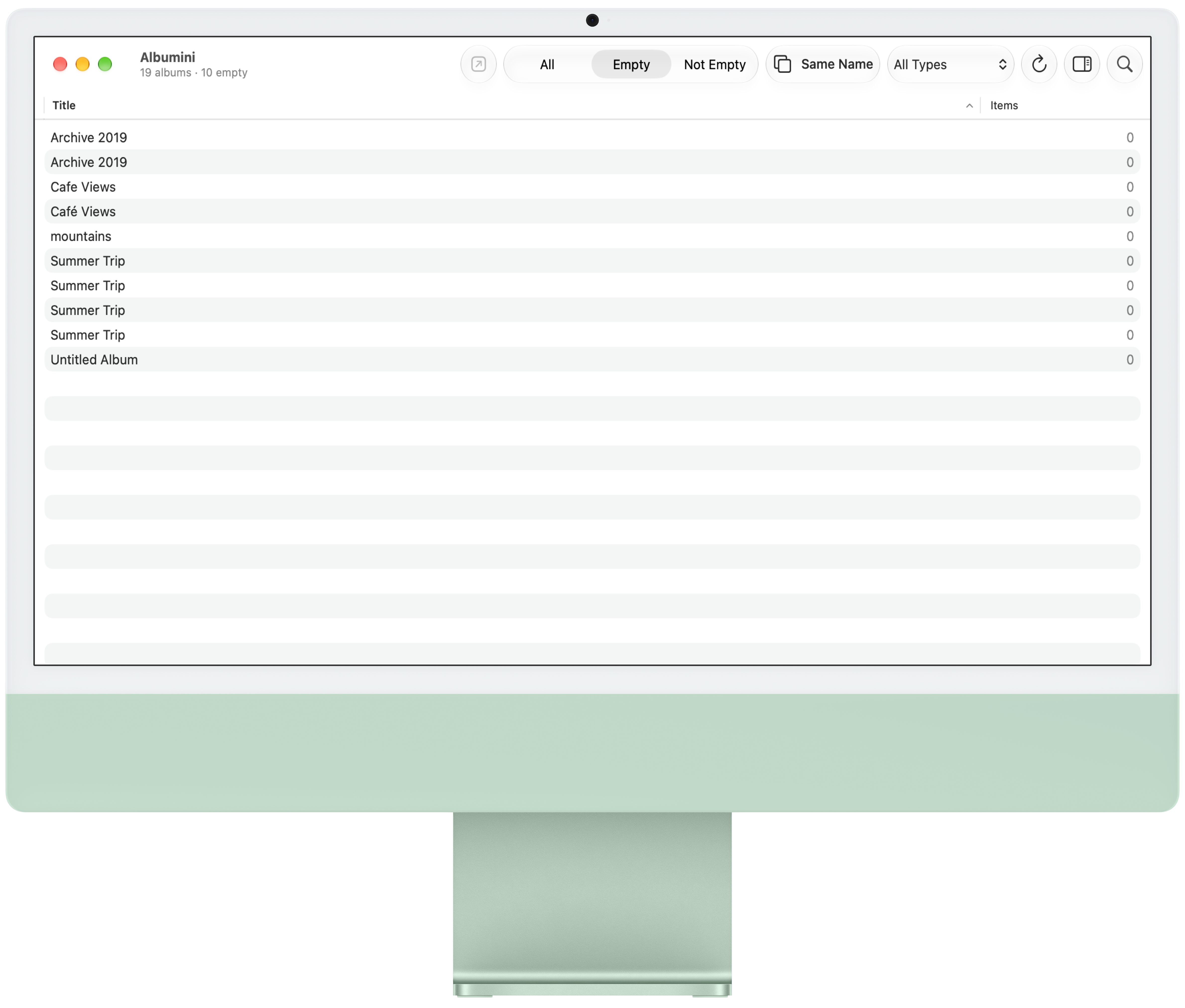
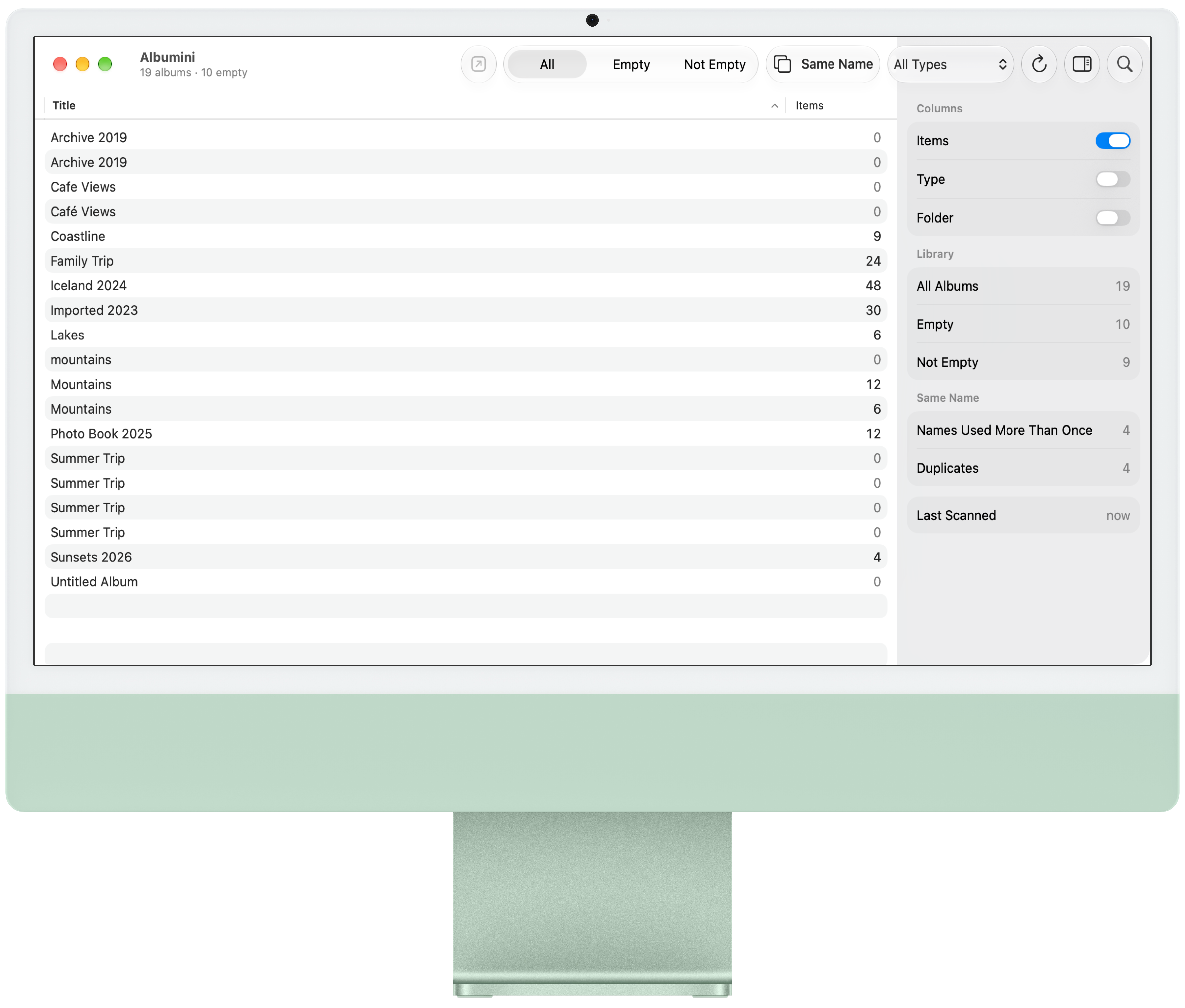
Every album with its item count, filters for empty albums, and same-name groups that point out duplicates — on Mac, iPhone, iPad, Apple Vision Pro, and Apple TV.
Everything for a Tidy Library
Built for libraries with thousands of albums.
Every Album at Glance
See every album with photo and video counts in one clear list.
One-Tap Filters
Instantly isolate empty or non-empty albums for fast cleanup.
Same-Name Groups
Spot exact duplicate albums instantly by grouping shared names.
Safe Cleanup
Remove clutter with one tap while keeping every photo safe.
Built for Huge Libraries
Background scanning handles thousands of albums with instant reopening.
Open in Photos
Launch any album directly in Photos on your Mac.
Folders, Too
See albums inside their folders and find empty folders left behind by migrations.
Restore Last Deleted
Deleted the wrong empty albums? Bring them back, in their folders.
Free to Find, Pro to Clean Up
One purchase covers your Mac, iPhone, iPad, Apple Vision Pro, and Apple TV. No subscription.
Albumini
Scan your library, see every album’s count, filter empty albums, and find duplicates.
Albumini Pro
Open albums in Photos, browse their photos, delete empty albums and folders many at once, and restore the last deleted.
Questions
No. Albumini only deletes empty albums and empty folders, and only after you confirm. Deleting an album never deletes a photo.
Albums with exactly the same name. Same Name groups them and points out the empty copies, so you can keep one of each.
No. Albumini reads album names and item counts on your device and collects nothing.
Mac, iPhone, iPad, Apple Vision Pro, and Apple TV. One Albumini Pro purchase unlocks all of them.
No, Albumini is built for that. The first scan runs in the background and the list reopens instantly afterwards.
What Users Say
Read reviews posted on the App Store.
After moving from iPhoto to Photos across three Macs, I had thousands of empty albums. Albumini showed counts instantly and let me clear duplicates safely. Saved my afternoon.
My library ballooned after years of shared events. I used the same-name groups to spot repeats and cleaned up in minutes. Photos stayed untouched, just the clutter gone.
I feared losing shots from old projects, but Albumini only removes albums. The preview helped me decide, and background scanning handled my ten thousand albums easily.
Finally saw every album with its photo count. Filtering empty ones made the sidebar manageable again. Works across my iPhone and Mac without uploading anything.